When can I download it?
Soon. SpackTraxx is being finished and tested now. Email support@spacktraxx.com and we'll tell you the day downloads open.
What do I need to run it?
A Mac with Apple silicon (M1 or later) or a PC with Windows 10 or 11, and your music as audio files such as MP3, WAV, M4A or AIFF. Videos work too: SpackTraxx takes their sound. It plays through whatever sound card or mixer your computer is connected to.
Do I have to edit my songs before a game?
No. Trim a song, choose where it starts and make it last longer, all inside SpackTraxx. Extend loops the bars you choose while the song plays, so there are no long versions to build and nothing to re-edit.
Does it come with music?
No. SpackTraxx plays the audio files you already have, and it never changes them. The music, and the licenses to play it in your building, stay with you and your team.
Do I need the internet at the game?
No. Your music plays from your computer. SpackTraxx only goes online now and then to check your license.
How many computers can I use it on?
Two: your main computer and a backup, Mac or PC in any mix.
Will it work with my Launchpad?
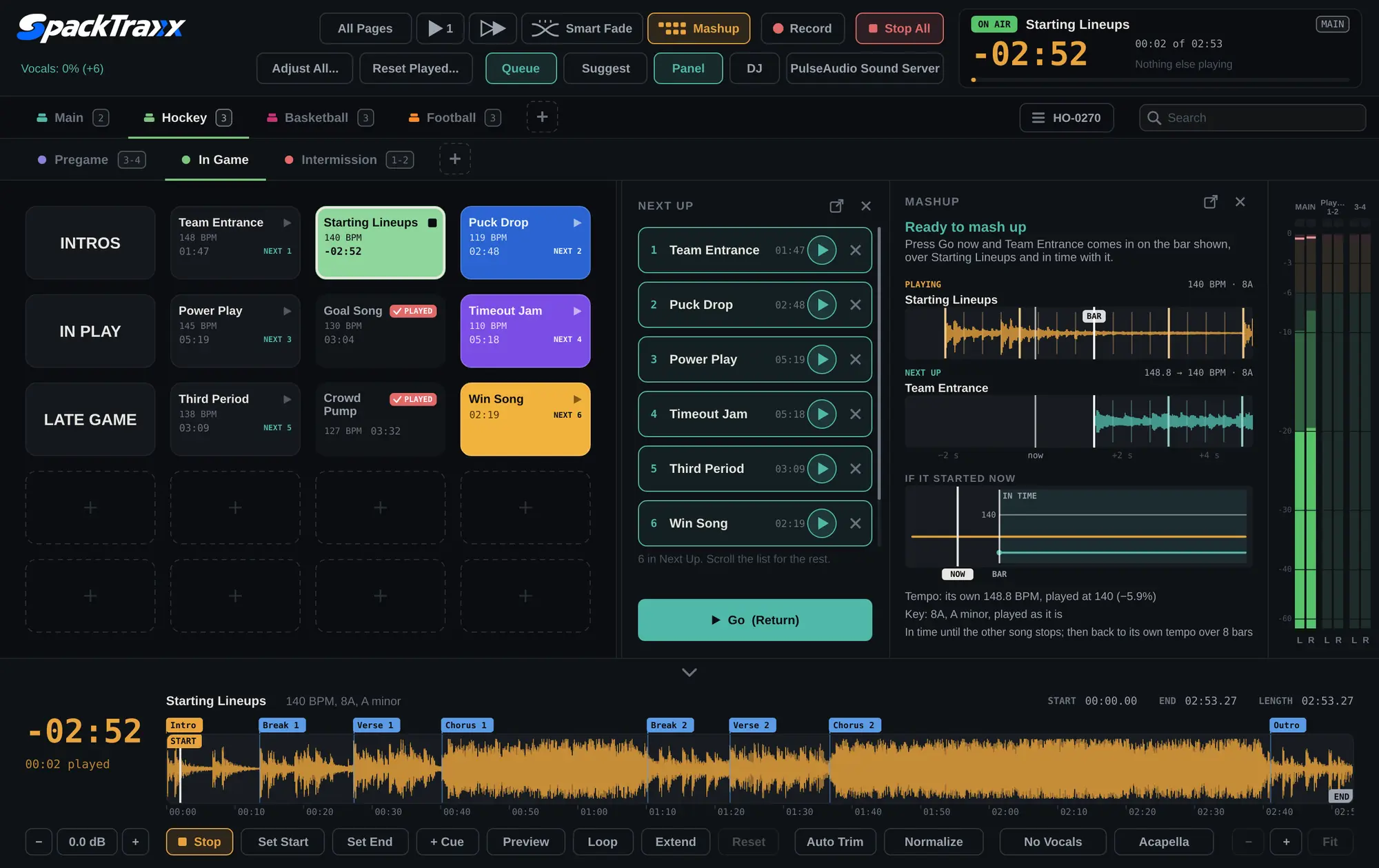
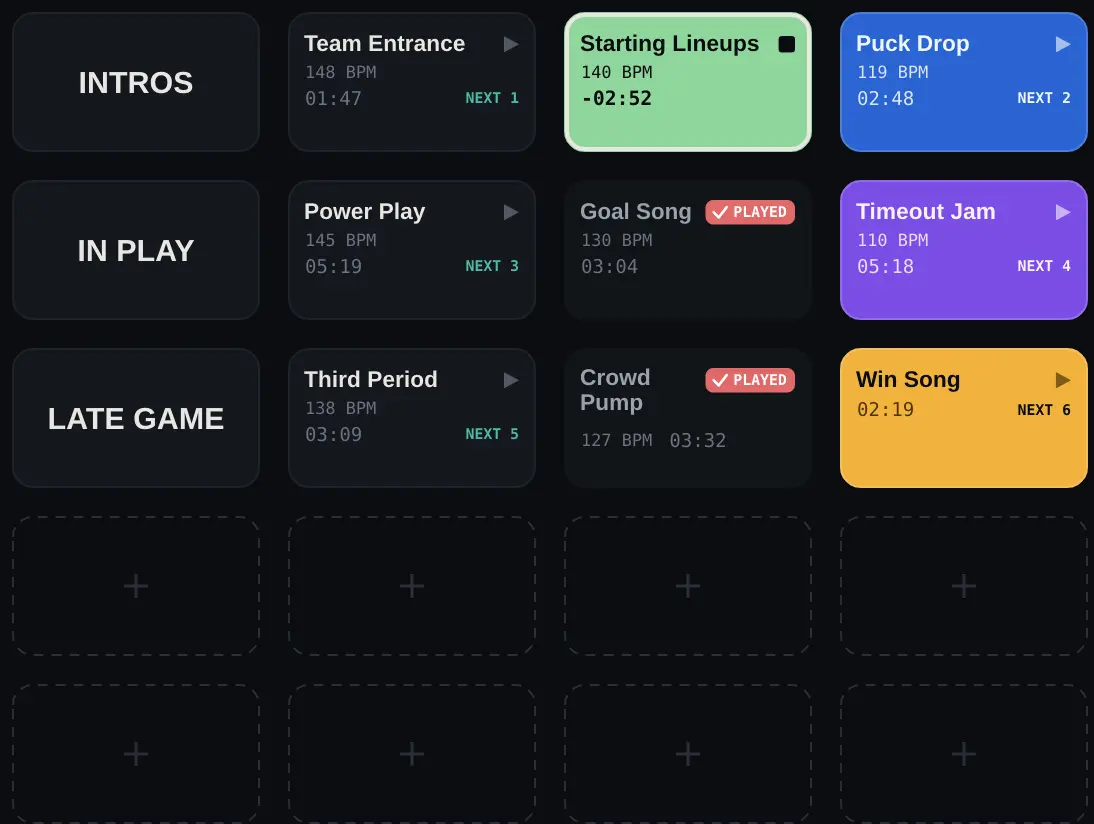
Plug in a Novation Launchpad and SpackTraxx picks it up in a couple of seconds, with nothing to set up. Each pad lights to show what's ready, what's playing and what has played.
Can I start with SpackTraxx and move up to Pro later?
Yes. Add Pro whenever you're ready. Your sessions and your music carry straight over.
What happens when the free trial ends?
You choose an edition, or stop there. Either way, your sessions and your music stay on your computer.
Is there an iPad version?
Not yet. SpackTraxx runs on Mac and Windows.